An AI anime picture generator is a pretty cool tool that takes your everyday photos and uses artificial intelligence to completely redraw them as high-quality anime art. It doesn't just slap a filter on top; it rebuilds your picture from the ground up, analyzing everything from your facial features to the background to create a genuinely unique, stylized portrait in just a few seconds.
How Do These AI Anime Generators Actually Work?
Ever wondered what’s going on behind the curtain when you turn a selfie into a stunning anime character? It’s a lot more complex than a simple photo effect. The magic comes from sophisticated machine learning models, particularly a type of algorithm called a Generative Adversarial Network (GAN).
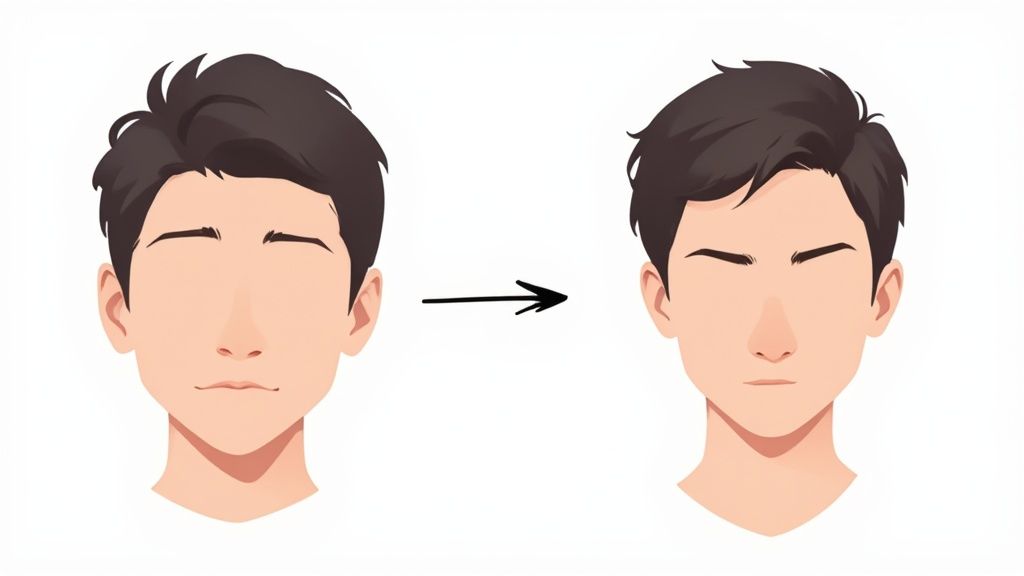
Think of these networks as digital apprentices. They're "trained" on massive datasets filled with millions of images—in this case, countless pieces of anime and manga art. By studying all this data, the AI learns to recognize the core patterns, colors, line work, and stylistic details that give anime its signature look.
Breaking Down Your Photo
When you upload your picture, the AI isn’t just painting over it. It meticulously deconstructs the image, identifying key features like the shape of your eyes, the curve of your jaw, your hairstyle, and even the stuff in the background. It then uses all that artistic knowledge it learned to reinterpret every single element into a cohesive anime style.
This process is what allows the generator to create something totally new that still feels like you. It's the difference between putting on a costume and having a digital artist reimagine your portrait from scratch.
The Role of Data and Prompts
The quality of these tools comes down to the quality and diversity of their training data. A generator trained on classic 90s anime is going to give you a very different result than one fed modern webtoon styles. This is why many platforms, like AnimePhoto.ai, offer a bunch of distinct style options to choose from.
Key Takeaway: The quality of an AI-generated anime picture isn't random. It’s a direct result of the AI's training data, how clear your original photo is, and the specific style you choose.
Some generators also let you use text prompts for more control. To really get the hang of it, it's worth learning the basics of how to effectively prompt AI to create an image. This skill gives you a much bigger say in the final outcome.
It's no surprise that this technology is booming. The AI anime generator market hit a staggering valuation of USD 91.56 billion in 2024. Experts project it could climb to USD 667.68 billion by 2032, largely because of its growing use in entertainment and other creative fields.
Knowing how the tech works helps you make better choices, figure out why you might be getting weird results, and truly appreciate the powerful creative tool you have right at your fingertips.
A quick look at the main advantages of using AI for anime art creation.
Key Benefits of Using an AI Anime Generator
| Benefit | Description |
|---|---|
| Speed & Efficiency | Get high-quality anime portraits in seconds, not hours or days. |
| Accessibility | No artistic skill is required. Anyone can create beautiful art from their photos. |
| Cost-Effective | Far more affordable than commissioning a custom piece from a human artist. |
| Style Variety | Instantly experiment with dozens of different anime styles to find the perfect look. |
| Creative Exploration | A fun and easy way to see yourself, your friends, and even your pets in a new light. |
Ultimately, these tools open up a whole new world of creative expression that was once only available to skilled artists.
Choosing the Right Photos for Amazing Results
The secret to a jaw-dropping picture from an ai anime picture generator rarely lies with the AI itself. Honestly, it all comes down to the photos you feed it. Think of it like cooking: the better your ingredients, the better the final dish. You're giving the AI a blueprint, and the clearer that blueprint is, the more incredible the final result will be.
You want to give the AI a photo that leaves nothing to guesswork. It analyzes everything from the sparkle in your eyes to the way your hair falls, so starting with a sharp, well-defined image is the most important step you can take.
Focus on Clarity and Lighting
First things first: use a high-resolution photo. Blurry or pixelated images are the number one culprit behind distorted faces and weird, glitchy artifacts in AI art. The generator needs clean, crisp data to map your features accurately. Most modern smartphone cameras will do the trick perfectly.
Lighting is just as critical. I've found that soft, even light works best because it illuminates your face without creating harsh, distracting shadows. Natural daylight is your best friend here—try standing near a window on a cloudy day. Steer clear of direct, harsh sunlight, which tends to cast dark shadows under your eyes and nose, confusing the AI and often leading to some strange-looking outputs.
Expert Tip: A simple, uncluttered background is a game-changer. A plain wall or a simple outdoor scene forces the AI to focus entirely on you, instead of getting sidetracked by a busy wallpaper pattern or random objects behind you.
What to Upload and What to Avoid
Following a few simple guidelines when picking your photos can make a night-and-day difference in the final anime picture. If you want to get really serious about it, brushing up on some basic composition photography techniques can also give your source photos a huge leg up.
Good Photos Have These Qualities:
- A Clear View of Your Face: Your face should be front and center, either looking straight ahead or slightly to the side. Make sure your features are easy to see.
- Simple Expressions: A small smile or a neutral expression almost always translates perfectly into various anime styles. Big, over-the-top expressions can sometimes get misinterpreted.
- Minimal Obstructions: Try to pick photos where your hair isn't covering your eyes, and avoid sunglasses or bulky hats that obscure your face.
On the flip side, I've seen some types of photos consistently give AI generators trouble.
Photos to Avoid Uploading:
- Group Shots: The AI is really designed to work its magic on one person at a time for the best results.
- Low-Light or Grainy Images: Photos snapped in a dim room just won't have enough detail for a clean, sharp conversion.
- Heavy Filters: That cool Instagram filter might look great, but it can alter your features in ways the AI just can't understand, leading to some very unpredictable results.
By taking just a minute or two to select the right photo, you're doing more than just uploading a file—you're setting the stage for a masterpiece. This prep work is the single most effective thing you can do to make sure your AI anime picture looks polished, clean, and just the way you imagined it.
A Walkthrough of the Creative Process
So you’ve picked the perfect photo. Now for the really fun part—turning it into anime! I’m going to walk you through what the creative process actually feels like, from uploading your picture to downloading the final masterpiece. Most tools, like the one over at AnimePhoto.ai, are built to be super intuitive, so you can jump right in.
For a quick visual overview of how it all comes together, check out this video:

Once you upload your photo, you get to make your first big creative call: choosing the art style. This is where you really start to steer the ship. You’ll see a gallery of different anime aesthetics, and your choice here sets the entire mood for the final image.
Navigating the Style Gallery
Don't just rush and click the first cool-looking option. Take a second to think about the vibe you're going for. Are you aiming for that classic, almost nostalgic feel of a 90s series, or do you want the crisp, high-contrast look of a modern webtoon?
- Classic & Retro Styles: These are my go-to for a timeless portrait. They usually have softer colors and that authentic, hand-drawn texture.
- Modern & Webtoon Styles: Perfect for a new profile picture. Expect super vibrant colors, clean digital lines, and expressions that really pop.
- Fantasy & Sci-Fi: This is where you can get wild. Some styles will add glowing eyes, cybernetic details, or even a completely fantastical background.
A little tip from my own experience: try to match the style to the feel of your original photo. A bright, happy selfie just sings in a modern, colorful style. A more serious or pensive shot? That can look absolutely incredible with a classic manga aesthetic.
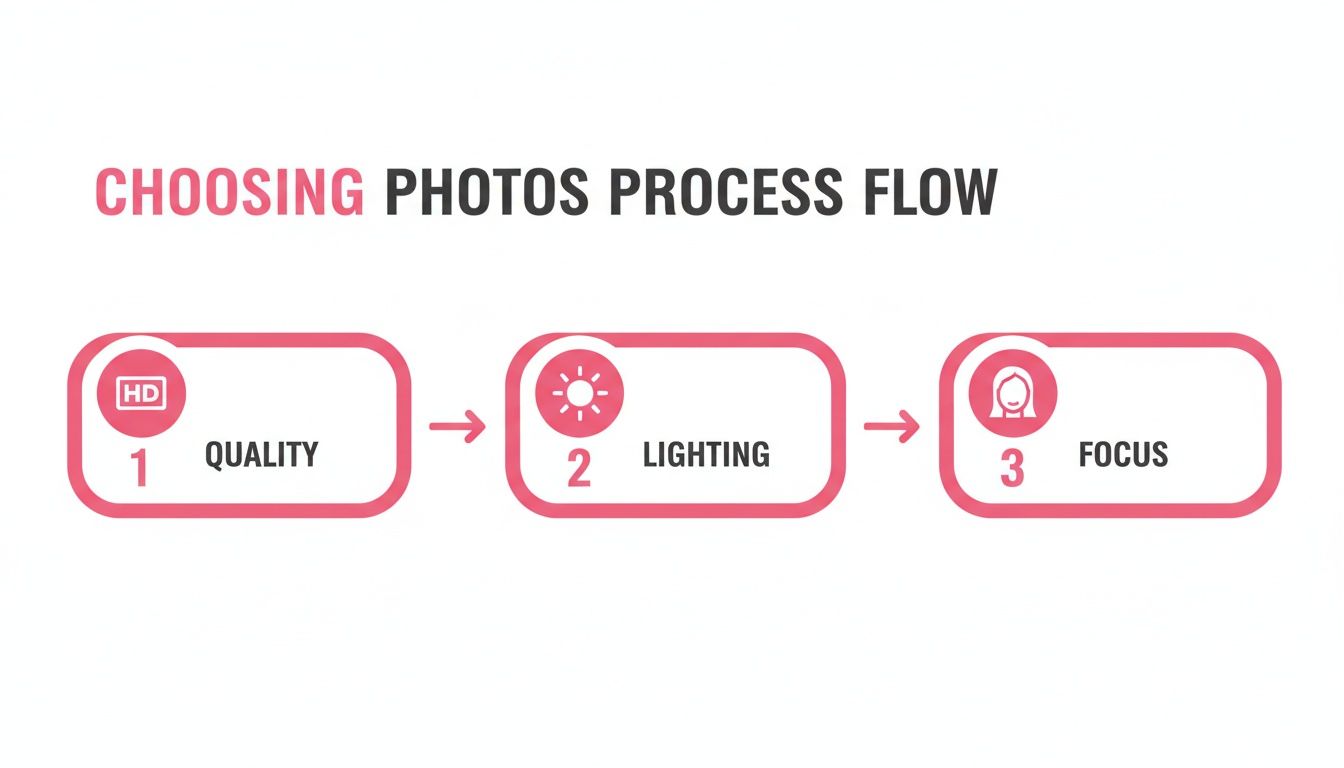
It all comes back to starting with a solid photo. Remember this simple flow: a quality photo with good lighting and a clear focus is the best foundation for any style you choose.
After you lock in your style, the ai anime picture generator starts its magic.
Understanding Credits and Processing
You’ll notice that most of the better generators use a credit system. Instead of getting locked into a subscription, you just buy a pack of credits. Creating a picture (or a whole batch of them) will use up a certain number of credits, which I find is a much better way to control how much you spend.
This pay-as-you-go model is huge, especially where anime culture is most prominent.
The Asia Pacific region is the powerhouse of the AI anime generator market, claiming about 40% of the total revenue in 2024. And it’s not slowing down; it's projected to grow at a staggering CAGR of 29.63% through 2032. You can dive deeper into these market dynamics from KBV Research.
The actual processing part is surprisingly fast. Usually, you’re looking at anywhere from 30 seconds to a couple of minutes. During that time, the AI is literally redrawing your photo from the ground up in the new style.
Once it’s done, you'll land on a download page. From there, you can save your new high-resolution anime portrait and get ready to show it off.
Pushing the Boundaries: Advanced Tips for Unique Scenarios
Okay, so you’ve mastered the basics and turned a few good selfies into awesome anime art. Now for the fun part. This is where you can really start to create something special by tackling the kinds of photos that often confuse other AI tools. Let's get into some of my favorite techniques for art that genuinely wows people.
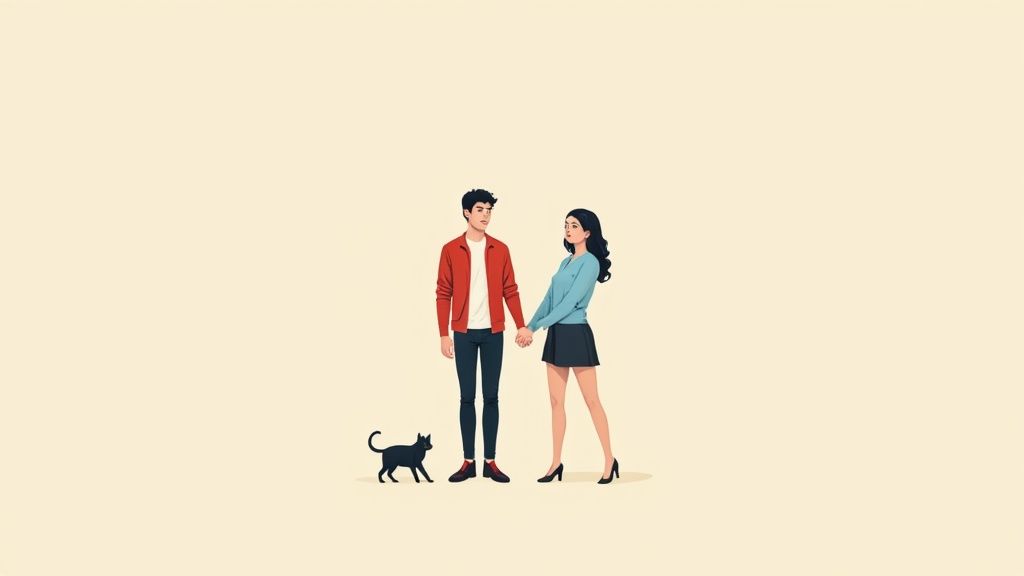
Moving beyond solo portraits to include couples, pets, or dramatic lighting takes a little more thought. The secret is always in the source photos you provide—they act as the blueprint for the AI. Get that right, and you can create some truly stunning pieces.
Nailing the Perfect Couple Portrait
Getting an AI to draw two people together in a consistent style can be a real challenge. I've seen it get one person right and completely miss the mark on the other, usually because the original photo had mixed lighting or weird posing.
For the best shot at success, pick a photo where you’re both lit from the same direction and are relatively close together. Pictures where you're hugging or have an arm around each other work wonders. That physical connection seems to help the AI understand that you're one cohesive subject.
Here’s what I look for in a good couple's photo:
- Even Lighting: Try to avoid photos where one person is squinting in the sun while the other is standing in a deep shadow. The more uniform the light, the better.
- Visible Faces: Make sure both of your faces are clear and not too far from the camera. The generator needs that detail to capture each person's likeness.
- Uncluttered Backgrounds: A simple background keeps the focus on you. The AI won’t get distracted trying to figure out what’s going on behind you.
My Go-To Trick: If you find the style looks different on each person, don't give up! Just switch to another anime style. Some models are simply better trained on images with multiple people and handle them much more gracefully.
Bringing Your Pets into the Picture
Want to immortalize your furry best friend as an anime character? You absolutely can, but you have to be selective with your photo. The AI needs a really clear look at your pet to translate its features properly.
The best photos are usually ones where your pet is looking more-or-less at the camera, sitting or lying down next to you. A picture of you holding your cat or your dog sitting by your feet is perfect. You want to avoid those blurry, chaotic action shots from the dog park. Think of it as a formal portrait session for your pet!
Working with Dramatic Lighting
This is my favorite advanced technique because it’s high-risk, high-reward. Photos with moody lighting—like sunsets, strong backlighting, or cozy indoor lamps—can produce the most breathtaking anime art. But you have to guide the AI.
The key is to use a photo where the dramatic light highlights your features instead of hiding them. That perfect "golden hour" shot where the warm light just grazes the side of your face? That’s exactly what you want. It gives the AI strong, defined shadows and highlights to work with, which translates into a piece that really captures that beautiful, atmospheric vibe.
Troubleshooting and Refining Your AI Anime Art
Let's be real—sometimes the first result you get from an ai anime picture generator is a little... quirky. You might see slightly wonky eyes, some bizarre artifacts blooming in the background, or an art style that just doesn't quite nail the vibe you were going for. Don't sweat it. This is a totally normal part of working with AI.
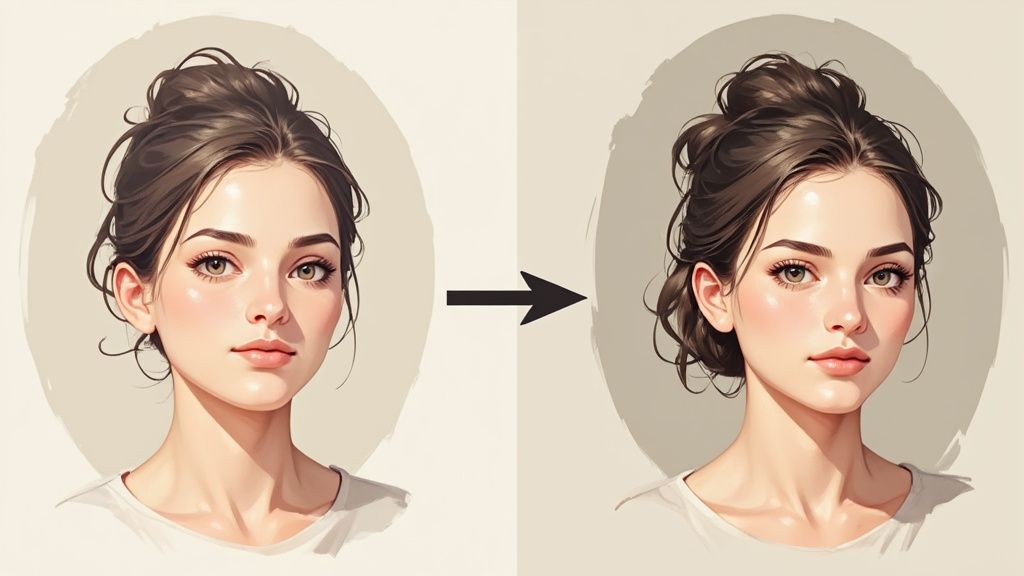
I like to think of it not as a mistake, but as the AI asking for a bit more direction. Most of the time, the fix lies with the photo you started with. Things like complex lighting, busy backgrounds, or even certain accessories can throw the AI for a loop, leading to some... creative interpretations. This is your game plan for turning those "oops" moments into masterpieces.
Squashing Common Glitches
When a picture comes back with something strange, the very first thing I do is look at my original photo. You'd be surprised how often simply swapping it for another one or cropping it differently solves the issue right away.
Here are a few classic problems I see all the time and how to fix them:
- Warped Faces or Features: This is a classic symptom of a low-resolution photo or one where your face isn't fully visible. Maybe your hair is in the way, or a shadow is cutting across your cheek. Try a clearer, higher-res picture where your face is well-lit and front-and-center.
- Clashing Styles: If the anime version looks worlds apart from your photo, the AI probably got confused by an element in the original. The lighting or composition of your photo might just work better with a different anime style.
- Melting Backgrounds: When the background in your photo is too busy, the AI can turn it into a surreal, melted-looking mess. The fix? Crop in tighter on your subject or choose a photo with a simpler background.
My Two Cents: Don't be afraid to experiment. The real magic happens through iteration. Run a few different photos through a couple of styles. Often, it’s the second or third attempt that really hits the mark.
Polishing Your Results to Perfection
Even when you get a result you love, there are ways to push it even further. Let’s say the AI really struggled with your glasses—try giving it a new photo from a different angle. A head-on shot might work where a side profile didn't.
And if you want to get your hands dirty, you can always make small adjustments yourself with basic editing tools. For a closer look at what you can do after the AI has done its part, check out our guide on foundational photo editing techniques. It's packed with tips for cleaning up those tiny imperfections, giving you the power to fine-tune the AI’s work into the exact anime portrait you imagined.
What to Do With Your New AI Anime Art
Alright, so you’ve used the AI anime picture generator and have a killer piece of art. Don't just let it sit on your hard drive! The fun is just getting started, and now it’s time to show it off.
Your new art is perfect for making a splash on social media. Think Instagram, TikTok, Twitter—anywhere you want to make an impression. When you post, try using hashtags like #AIart, #AnimeAI, and #DigitalArt. This helps you tap into a massive community of other creators and fans who are into the same stuff.
But don't stop at social media. These images make for some seriously cool, personalized gifts. Imagine putting your custom art on a mug, a phone case, or even a t-shirt for a friend’s birthday. It’s a gift that nobody else can give and shows you put some real thought into it.
Your New Digital Identity
In the online world, your creation makes for a fantastic avatar. A custom anime portrait is a surefire way to stand out, whether it's for your gaming profile, a Discord server, or even for some light professional branding. If you want to dive deeper into creating the perfect online persona, check out our guide on the best anime profile pictures.
Ever thought about making some money from your creations? Some artists turn their work into a nice little side hustle. If you've got a collection of amazing AI anime art and are curious about selling it, this comprehensive guide to selling digital products is a great starting point to learn the ropes.
A Few Common Questions Answered
Diving into AI art for the first time usually sparks a few questions. It's a new and exciting space, after all! Here are the answers to some of the things people often ask when using an AI anime picture generator.
So, What's the Cost?
You'll find that most top-tier generators use a credit system instead of locking you into a monthly subscription. This is a huge plus if you just want to create a handful of images without a recurring charge.
As an example, you might see a small package offering 40 credits for around $8**. Buying bigger packs usually gets you a better deal per credit. When you compare this to commissioning a human artist—which can easily run from **$50 to over $200 for one illustration—it's a much more accessible way to get high-quality art.
My Take: The pay-as-you-go credit model is perfect for trying things out. You can generate a few new profile pictures and you're done, no need to remember to cancel a subscription down the line.
Is My Data Safe? Are My Photos Kept Private?
This is a big one, and the answer is yes. Trustworthy platforms like AnimePhoto.ai are built with user privacy as a top priority.
Your photos are only used for the one-time job of generating your anime portrait. They aren't stored long-term or repurposed for anything else. The whole process is automated and secure, so your original images stay private. It's always a good idea to glance at a service's privacy policy, but the leading tools in this space take security very seriously.
Can I Use the Images I Create for My Business?
This really comes down to the terms of service for the specific generator you're using. Generally speaking, the images you create are yours to use for personal things—think social media profiles, avatars, or printing a cool gift for a friend.
For commercial use, like putting the art on merchandise or using it in an ad campaign, you need to check the rules. Some services give you full commercial rights right away, while others might ask you to upgrade to a specific plan or purchase a license for business use. Always double-check before you go to print!
Ready to see yourself in a whole new light? Head over to AnimePhoto.ai and turn your favorite photos into incredible anime art with just a few clicks! Start creating your anime portrait now.

See yourself in anime style in under a minute
Pick a style, upload a photo, and get a high-quality anime portrait ready for profiles, prints and gifts.
Create your anime photo

