The creative landscape is evolving at lightning speed, and artificial intelligence is no longer a futuristic concept. It's an essential part of the modern creator's toolkit. Whether you're a YouTuber, a social media manager, a blogger, or a digital artist, the right AI tools can automate tedious tasks, spark new ideas, and help you produce higher-quality content faster than ever before. But with thousands of options flooding the market, how do you separate the game-changers from the gimmicks?
This guide cuts through the noise. We've curated a definitive list of the best AI tools for content creators, categorized by their specific functions from image generation to text enhancement. We will dive into each tool's practical use cases, honest pros and cons, and ideal user profiles. This will help you build a powerful, efficient workflow that frees you up to focus on what you do best: creating. Each entry includes direct links and screenshots to give you a clear look at the platform before you even click.
Our goal is to help you find the perfect websites and platforms for your specific needs, whether you're crafting a unique anime-style avatar with a tool like AnimePhoto.ai or scripting your next viral video. For those looking to expand their reach internationally, connecting with a global audience is critical. Exploring the capabilities of the best audio translation tools for creators is essential for repurposing your content for new markets and making your message resonate worldwide. This comprehensive resource is designed to be your go-to reference for integrating AI into every step of your content creation process, saving you time and amplifying your creative output. Let's get started.
1. AnimePhoto.ai
AnimePhoto.ai is an exceptional choice for content creators who need unique, high-quality avatars and profile pictures without the steep learning curve of complex design software. This platform excels at a very specific task: transforming your standard photos into beautiful, share-ready anime art. Its streamlined process and professional-grade output make it one of the best AI tools for content creators looking to build a distinctive brand identity.
The platform is designed for speed and simplicity. You upload a clear photo, select from a curated list of artistic styles, and receive a polished image in seconds. This makes it perfect for streamers, YouTubers, and social media managers who need a consistent yet eye-catching visual theme across their channels.
Key Features and Strengths
- Diverse Style Selection: Offers 12 hand-curated styles, from classic cel-shaded and manga B&W to vibrant cyberpunk and soft watercolor looks. This versatility allows you to match your avatar to your content's mood or aesthetic.
- Ease of Use: No technical skills are required. The interface is incredibly intuitive, making it accessible for everyone from beginners to seasoned professionals. The entire process is just a few clicks.
- Subscription-Free Model: Unlike many AI services, AnimePhoto.ai uses a credit-based system with one-time purchases. This is a significant advantage for creators who prefer to avoid recurring monthly fees. You buy what you need, when you need it.
- Privacy-Focused: Your uploaded photos are kept private and secure, an important consideration when working with personal images.
Practical Use Cases for Creators
Creators can leverage AnimePhoto.ai to generate cohesive branding assets for profiles, banners, and thumbnails. A team or a group of collaborators can create matching avatars for a unified look, or you could even turn your beloved pet into a channel mascot. The platform’s ability to produce high-quality art quickly makes it an invaluable resource for anyone looking to stand out in a crowded digital space.
Pro Tip: For the best results, use well-lit, high-resolution photos where the subject's face is clearly visible. The AI performs best with clear input, ensuring your final anime portrait is sharp and detailed.
Beyond generating new images with tools like AnimePhoto.ai, consider utilizing AI photo restoration tools for enhancing and repairing existing visuals.
Pricing and Getting Started
AnimePhoto.ai operates on a simple pay-as-you-go credit model:
- Basic: 20 credits for $10 ($0.50/image)
- Standard: 60 credits for $25 (~$0.42/image)
- Premium: 100 credits for $30 ($0.30/image)
This straightforward pricing, combined with its powerful features, cements AnimePhoto.ai's position as a top-tier tool for modern content creation. You can explore how the AI anime art generator works in more detail on their blog.
Website: animephoto.ai
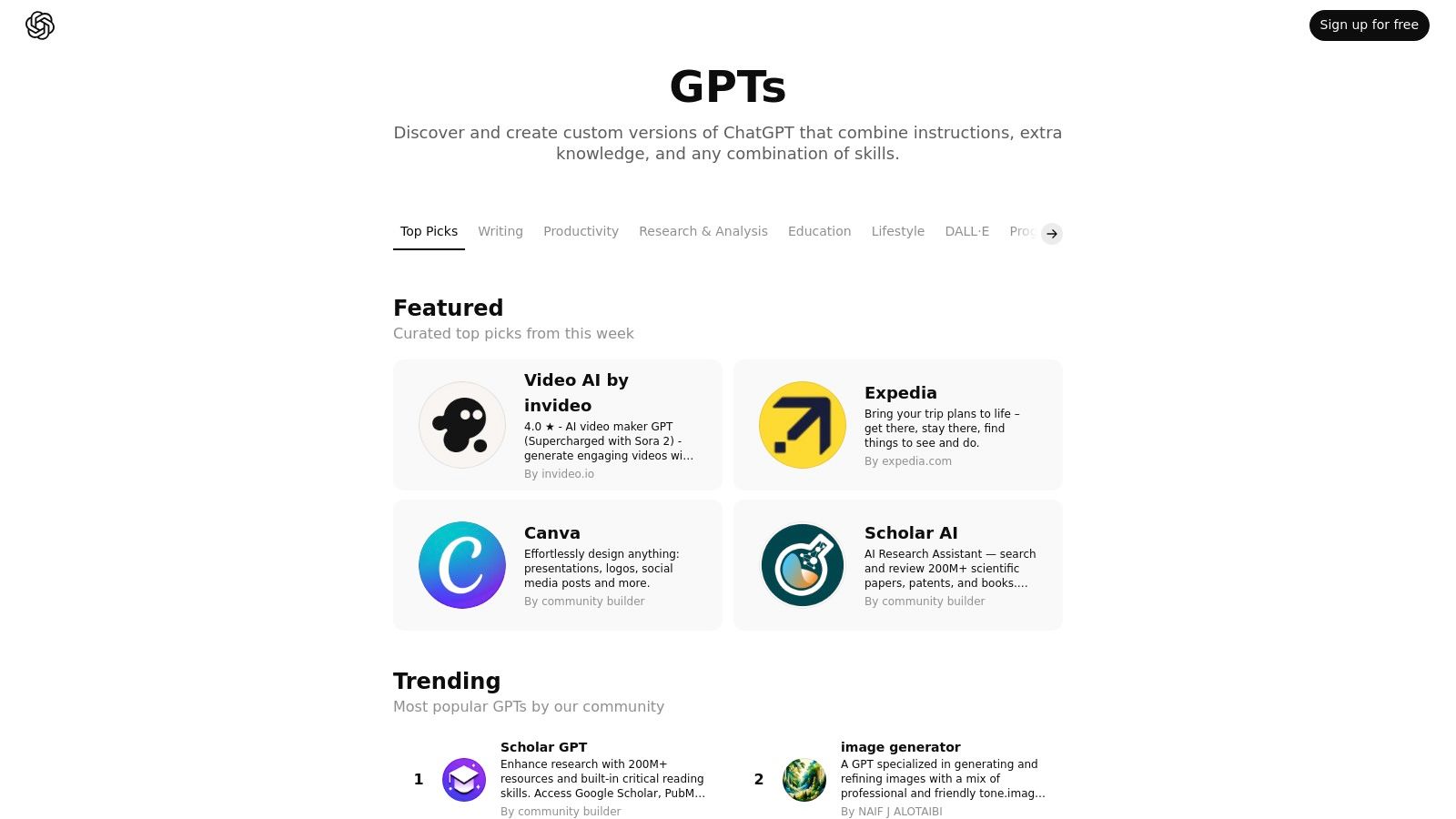
2. OpenAI GPTs Store
The OpenAI GPTs Store transforms ChatGPT from a general-purpose assistant into a specialized marketplace of purpose-built AI tools. For content creators, this means instant access to thousands of custom "GPTs" designed for specific tasks like generating viral video hooks, drafting SEO-optimized blog posts, brainstorming podcast topics, or even creating entire content calendars. Instead of crafting complex prompts from scratch, you can find a GPT that already has the expertise and instructions baked in.
This platform stands out as one of the best AI tools for content creators because it centralizes a vast range of creative functionalities within a familiar interface. You can switch from a research assistant that summarizes academic papers to a DALL-E 3-powered image generator for your social media visuals with just a few clicks. The community-driven nature means new, niche tools are added daily.
Key Features & Use Cases
- Creative Task Specialization: Find GPTs for scriptwriting, tweet generation, and YouTube title optimization.
- Curated Discovery: The store features weekly highlights, trending GPTs, and categories for easy browsing.
- Workflow Integration: Use a "Content Repurposing" GPT to turn a blog post into a thread, then a "Visualizer" GPT to suggest accompanying images.
- Personalization: You can build your own private GPTs tailored to your unique brand voice and content style. For instance, you could create a GPT that uses your specific content pillars to create social media content that is always on-brand.
Pros & Cons
| Pros | Cons |
|---|---|
| Rapid Task Execution: Quickly test specialized assistants. | Requires Paid Plan: Access is limited to ChatGPT Plus, Team, or Enterprise subscribers. |
| Centralized Discovery: Find diverse tools within ChatGPT. | Variable Quality: The performance of GPTs can vary since they are community-built. |
| No-Code Building: Easily create your own custom AI tools. | No Monetization (Yet): Builders cannot currently charge for their GPTs. |
Website: https://chatgpt.com/gpts
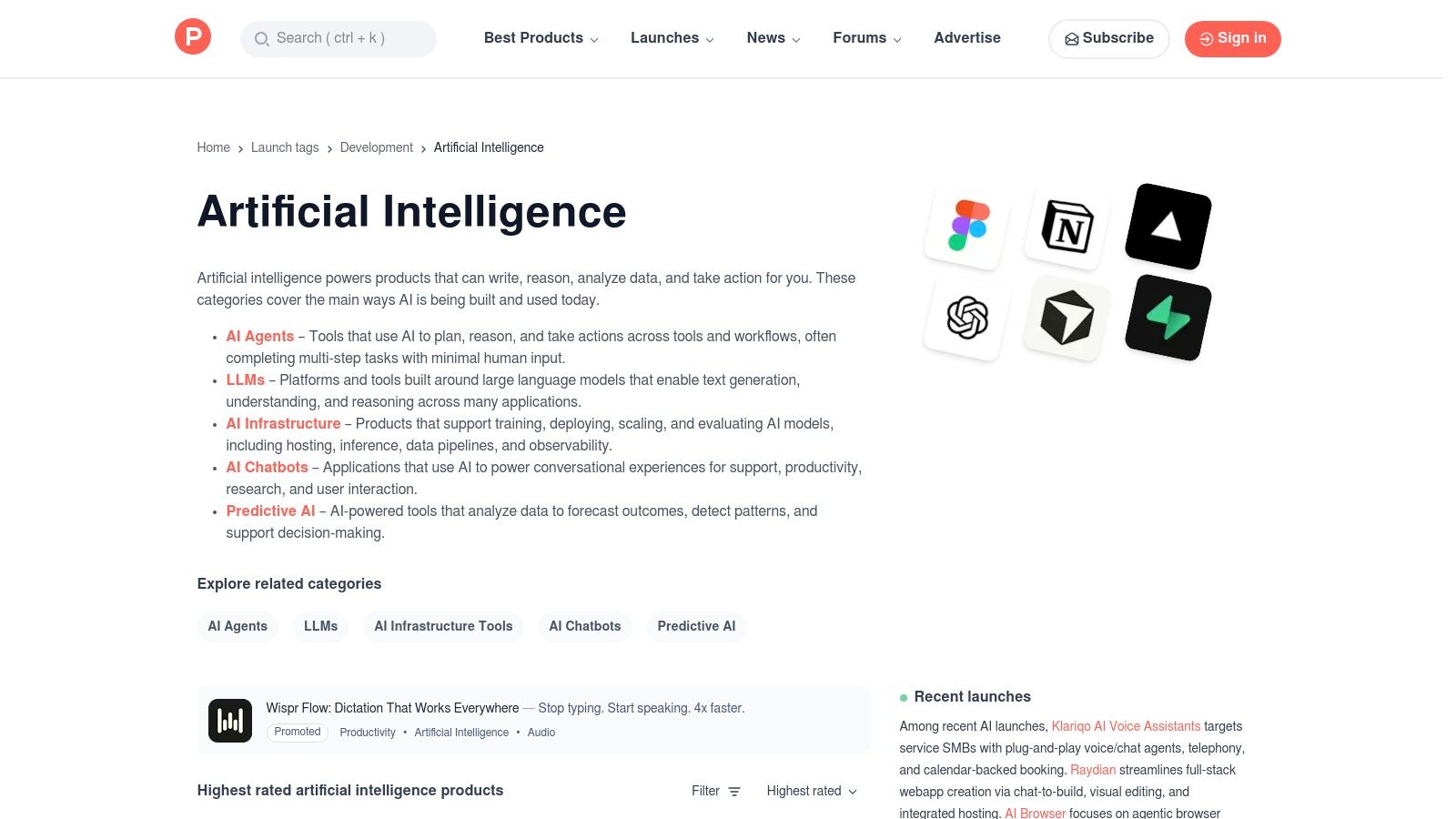
3. Product Hunt (AI Topic)
Product Hunt is the daily launchpad for what's new in tech, and its AI topic has become an essential resource for content creators. Instead of waiting for tools to become mainstream, you can discover cutting-edge AI video editors, text-to-speech platforms, and niche creative utilities the day they debut. It's a real-time feed of innovation where you can spot the next big thing before it trends.
The platform excels as one of the best AI tools for content creators because it provides a crucial layer of social proof. You get immediate access to community feedback through upvotes, user reviews, and direct Q&A sessions with the makers. This helps you gauge a tool's potential and practical application, separating genuine game-changers from overhyped launches.
Key Features & Use Cases
- Daily Discovery: Find newly launched AI-powered tools for tasks like automated podcast editing, social media scheduling, or generating unique brand assets.
- Curated AI Categories: Browse specific verticals like AI agents, chatbots, and LLM-powered apps to find solutions for your exact content needs.
- Community Validation: Read genuine user comments and maker responses to understand a tool's strengths and weaknesses before signing up.
- Trend Spotting: Use the "top of the day/week" leaderboards to identify which new AI tools are gaining the most traction in the creator community. For instance, you could discover a new app for creating social media content that automates post generation.
Pros & Cons
| Pros | Cons |
|---|---|
| Early Access to Innovation: Discover brand-new tools before they become widely known. | Hype-Driven: Not every popular launch has long-term viability or practical use. |
| Strong Community Feedback: Get authentic opinions and insights from other users. | Limited Performance Data: New tools often lack extensive case studies or long-term reviews. |
| Direct Maker Interaction: Ask founders questions directly in the comment sections. | Can Be Overwhelming: The sheer volume of daily launches can be a lot to sift through. |
Website: https://www.producthunt.com/topics/artificial-intelligence
4. G2 (AI Writing Assistants and related categories)
While not a direct AI tool, G2 serves as an indispensable research hub for creators trying to navigate the crowded AI software market. Instead of relying on marketing claims, G2 provides a platform for verified user reviews, detailed comparisons, and data-driven reports on hundreds of AI writing assistants and content creation tools. For a creator deciding between platforms like Jasper, Copy.ai, or Writesonic, G2 offers side-by-side analysis based on real-world satisfaction and usability scores.
This platform solidifies its place among the best AI tools for content creators by acting as a meta-tool for informed decision-making. It cuts through the hype by aggregating user sentiment, allowing you to filter tools by features, company size, and user ratings. The "Grid Reports" are particularly useful, visually plotting tools based on market presence and customer satisfaction, helping you quickly identify industry leaders and promising upstarts. It’s the starting point for anyone serious about investing in the right AI content stack.
Key Features & Use Cases
- Head-to-Head Comparison: Use the comparison feature to see how top tools like Grammarly and Jasper stack up on specific features.
- Verified User Reviews: Read in-depth reviews from other content creators to understand real-world performance and limitations.
- Grid Reports: Quickly identify market leaders and high-satisfaction tools in categories like AI writing, text-to-speech, and video editing.
- Feature-Based Filtering: Narrow down your search to find tools that specifically offer features you need, such as a brand voice analyzer or a plagiarism checker.
Pros & Cons
| Pros | Cons |
|---|---|
| Deep Review Volume: Access a massive database of verified user feedback. | Sponsored Placements: Visibility on category pages can be influenced by vendor spending. |
| Excellent for Comparison: Easily compare features, pricing, and satisfaction scores. | Report Access: Some of the most detailed comparison reports may be gated or require a paid plan. |
| Discover Niche Tools: Uncover lesser-known but highly-rated alternatives. | Review Bias: As with any review site, individual reviews can be subjective. |
Website: https://www.g2.com/categories/ai-writing-assistant
5. Capterra (AI Writing Assistant Software)
Capterra acts as a crucial research hub for content creators trying to navigate the crowded market of AI writing assistants. Instead of relying on marketing claims, the platform provides a comprehensive software directory with verified user reviews, detailed buyer guides, and comparison tools. This allows you to objectively evaluate the best AI tools for content creators based on real-world performance, usability, and specific features.
The platform excels by allowing you to filter and compare tools side-by-side, a function that is invaluable when choosing a long-term solution. You can sift through options based on pricing models, free trials, and essential features like SEO optimization or plagiarism checking. For creators, this means you can find a tool that not only fits your budget but also integrates seamlessly into your existing content workflow, whether you're focused on blogging, social media, or scriptwriting.
Key Features & Use Cases
- Verified User Reviews: Read honest feedback from other content creators to understand a tool's practical strengths and weaknesses.
- Feature-Based Filtering: Use advanced filters to find tools that offer specific functionalities, such as tone adjustment, multi-language support, or brand voice analysis.
- "Shortlist" Comparison Tool: Create a personalized shortlist of top contenders to compare their features, pricing, and ratings in a clean, organized view.
- Vendor Profiles: Access detailed profiles for each software, which often include an overview, key pros and cons, and a list of direct alternatives for further research. This is perfect for when you need to find a tool that meets a specific need like long-form content generation.
Pros & Cons
| Pros | Cons |
|---|---|
| Verification Increases Trust: The review verification process adds a layer of credibility. | Sponsored Listings: The top search results are often sponsored, requiring you to scroll down for organic rankings. |
| Granular Filtering Options: Powerful filters make it easy to narrow down the perfect tool. | Enterprise Focus: Some categories can be heavily skewed towards business and enterprise-level software. |
| Side-by-Side Comparisons: The comparison UX is clear and helps with decision-making. | Limited Creative Niche Tools: May not feature every new or niche creator-focused AI tool. |
Website: https://www.capterra.com/ai-writing-assistant-software/
6. Futurepedia
Futurepedia acts as a massive, constantly updated encyclopedia of AI tools, making it an indispensable resource for discovering the latest innovations. For content creators, it’s a one-stop-shop to find specialized AI solutions for nearly any task imaginable, from AI video editors and voice generators to niche tools for creating social media visuals or writing marketing copy. Instead of relying on generic search results, you can explore curated categories to find the perfect tool for your workflow.
This platform solidifies its place among the best AI tools for content creators by providing a bird's-eye view of the entire AI landscape. It helps you stay ahead of the curve by showcasing trending and newly added tools, ensuring you can leverage cutting-edge technology to enhance your content. The vast directory allows you to compare alternatives and find tools you might not have known existed.

Key Features & Use Cases
- Creator-Focused Categories: Easily find tools for video generation, audio editing, design, image creation, and writing.
- Trend Monitoring: Use the "Popular" and "Recently Added" sections to discover emerging AI tools before they become mainstream.
- Niche Tool Discovery: Uncover highly specific tools, such as an AI that generates color palettes or one that writes YouTube video descriptions.
- Educational Resources: Access how-to guides and articles to learn how to effectively implement new AI technologies into your content strategy. For example, you could find a tutorial on how to create social media content using a newly listed AI image generator.
Pros & Cons
| Pros | Cons |
|---|---|
| Broad, Creator-Centric Taxonomy: Excellent organization makes finding relevant tools easy. | Variable Quality: As a directory, it lists tools of varying quality; user discretion is advised. |
| Great Signal for New Tools: Stay current with the rapidly evolving AI market. | Affiliate-Supported Model: Some listings may be promoted, so it's wise to verify vendor claims independently. |
| Free to Use: The directory is completely free to browse and explore. | Overwhelming Choice: The sheer number of tools can sometimes be difficult to navigate. |
Website: https://www.futurepedia.io/
7. There’s An AI For That (TAAFT)
There’s An AI For That (TAAFT) isn't a single tool but an essential navigation compass for the ever-expanding AI landscape. It functions as a massive, searchable directory of AI platforms, allowing creators to find the perfect solution for any specific task. Instead of searching endlessly for a tool that can "generate video subtitles in Spanish" or "create anime-style avatars," you can simply search TAAFT and get a curated list of options.
This platform solidifies its place among the best AI tools for content creators by acting as a discovery engine that saves immense time and effort. It helps you move beyond the well-known giants and uncover niche, innovative tools tailored to specific creative workflows. The community-driven nature, with frequent new submissions and a popular newsletter, ensures you stay on the cutting edge of what’s possible with AI.
Key Features & Use Cases
- Task-Based Search: Find tools by searching for outcomes like "YouTube script generator," "podcast editing," or "social media scheduler."
- Community Submissions: Discover new and trending tools as they are added by a global community of users and developers.
- Curated Newsletter: Get weekly updates on the most notable and useful new AI tools delivered directly to your inbox.
- Broad Workflow Coverage: The directory spans every content creation need, from initial brainstorming and writing to creating social media content and analyzing performance.
Pros & Cons
| Pros | Cons |
|---|---|
| Saves Research Time: The fastest way to find an AI tool for a specific creative task. | Variable Quality: Listing quality can differ; you must vet each tool before committing. |
| Comprehensive Discovery: Uncover niche tools you wouldn't find through a standard search. | Promoted Listings: Some results are sponsored, so it's important to differentiate them from organic listings. |
| Free to Use: The directory and search functionality are completely free to access. | Overwhelming Options: The sheer number of tools can sometimes be difficult to navigate. |
Website: https://theresanaiforthat.com
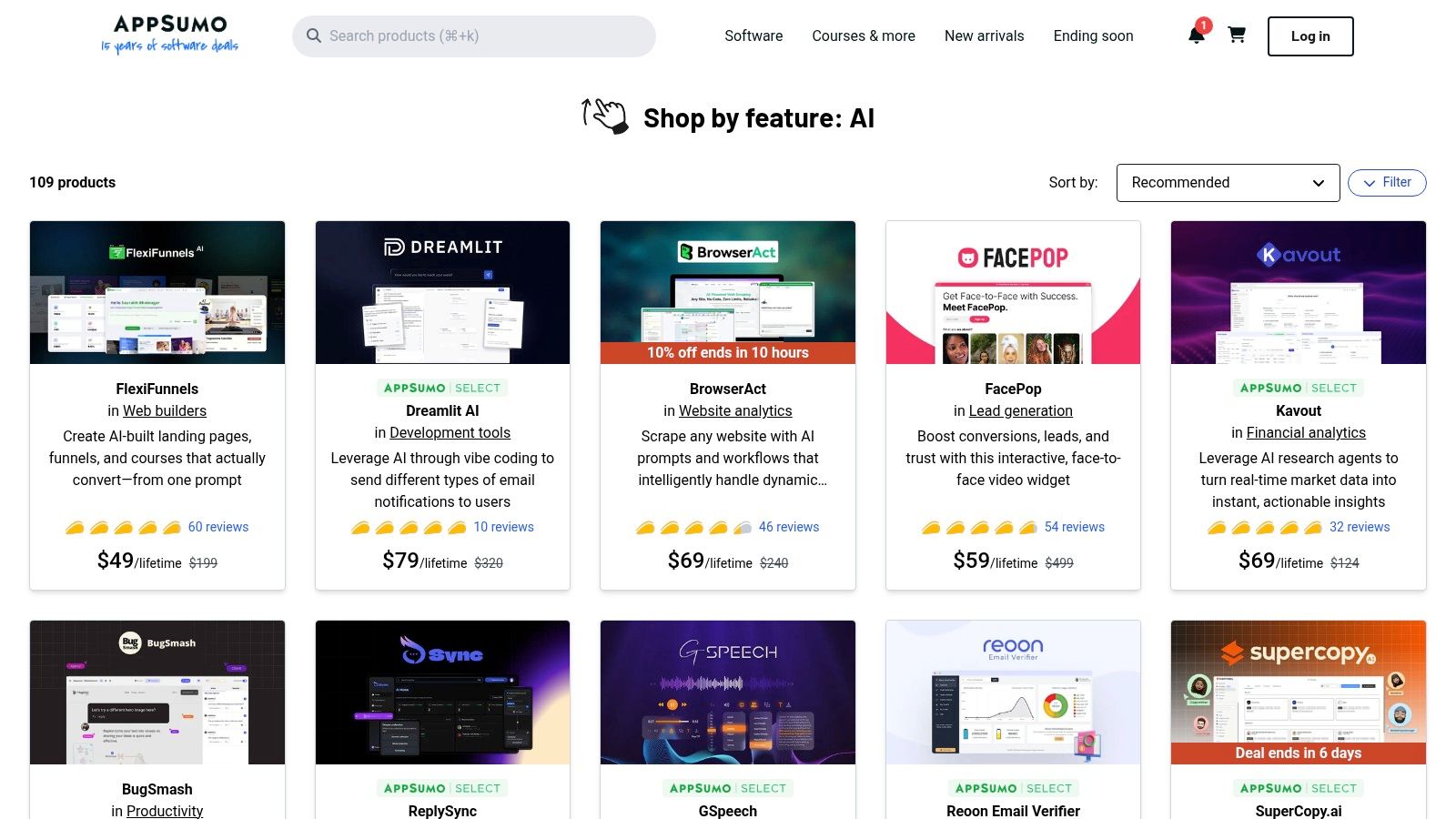
8. AppSumo (AI Collections and Deals)
AppSumo is a deal marketplace that has become a treasure trove for creators looking to build their AI toolkit without breaking the bank. While not an AI tool itself, it's a platform where emerging and established AI software companies offer substantial discounts, often in the form of lifetime deals (LTDs). For content creators, this means gaining access to powerful AI video editors, text generators, SEO optimizers, and social media schedulers for a single, one-time payment.
This marketplace is one of the best AI tools for content creators because it democratizes access to a premium software stack. Instead of committing to expensive monthly subscriptions for multiple services, you can experiment with and acquire a diverse range of AI solutions at a fraction of the cost. The platform’s curated collections and user reviews help you discover and vet tools specifically designed for content workflows.
Key Features & Use Cases
- AI Collections: Discover tools in dedicated "AI" collections, making it easy to find software for tasks like voice generation, image creation, or automated writing.
- Lifetime Deals (LTDs): Pay once to get lifetime access to software, ideal for building a permanent content creation toolkit on a budget.
- User Ratings & Reviews: Leverage community feedback to gauge a tool's quality, support, and long-term potential before purchasing.
- Creator-Focused Bundles: Find bundles that package several complementary AI tools together for a single discounted price, such as a video editor paired with a scriptwriter. This allows you to create social media content more efficiently by having an integrated suite of tools.
Pros & Cons
| Pros | Cons |
|---|---|
| Significant Cost Savings: Drastically reduces long-term software expenses compared to monthly SaaS. | Variable Sustainability: Some LTD companies may change their offerings or go out of business. |
| Low-Cost Experimentation: Test and own multiple AI tools without committing to recurring subscriptions. | Redemption Rules: You must pay close attention to refund windows and specific activation terms. |
| Discovery Platform: A great way to find new and innovative AI startups before they become mainstream. | Quality Can Vary: The marketplace features both established tools and brand-new startups. |
Website: https://appsumo.com/collections/features/ai/
9. Canva Magic Studio + Canva App Marketplace
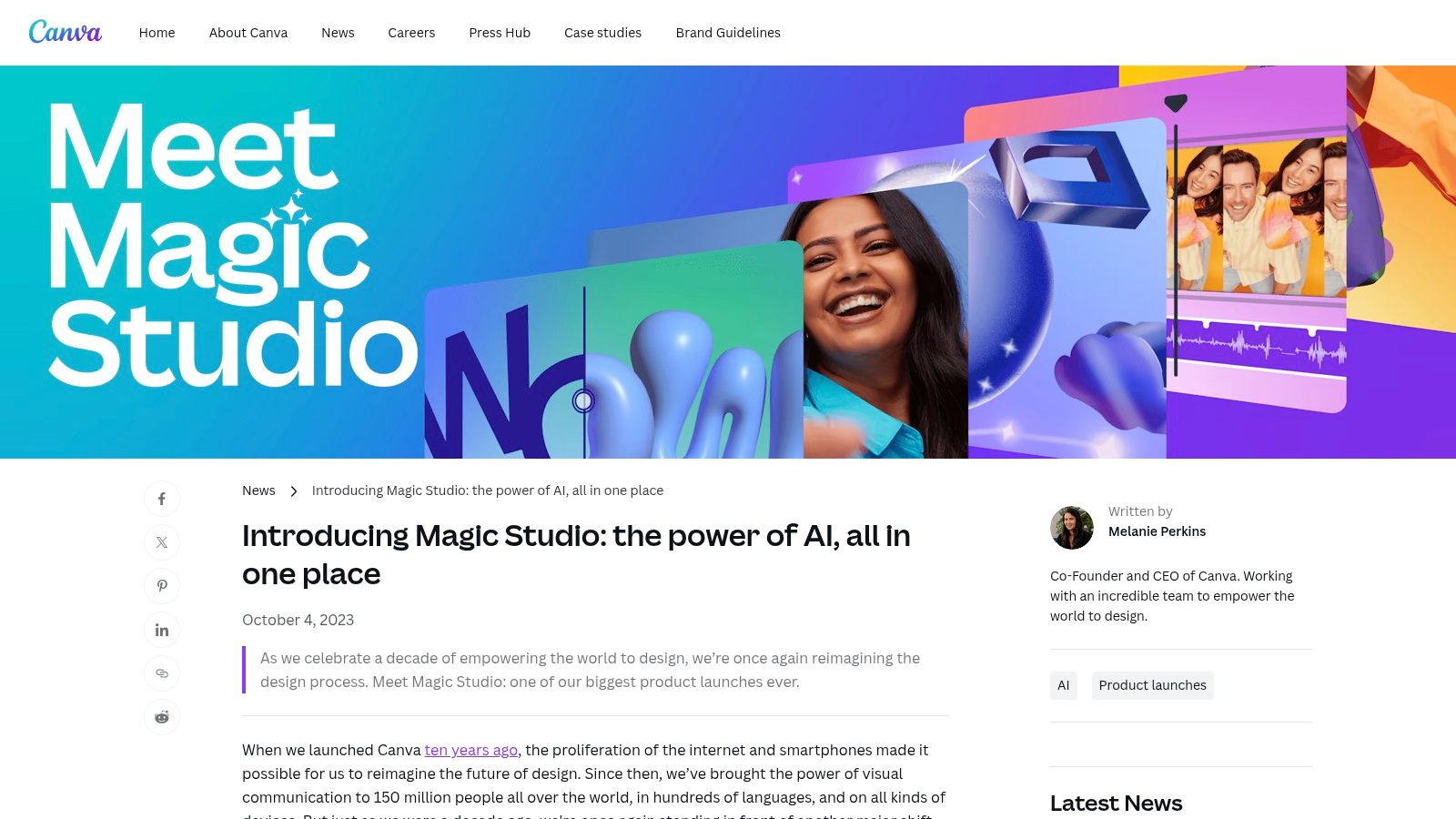
Canva has evolved from a simple design tool into a comprehensive, AI-powered creation suite with its Magic Studio. For content creators, this means having an all-in-one workspace where they can generate text with Magic Write, design visuals with Magic Design, and even produce short videos with AI assistance. It streamlines the entire content pipeline, from initial idea to final publication, directly within a familiar interface.
This platform solidifies its spot as one of the best AI tools for content creators by integrating AI features directly into the design workflow and expanding its capabilities through an App Marketplace. Instead of juggling multiple apps, you can use partner AI tools for tasks like voice-overs or advanced image editing right inside your Canva project, creating a seamless and efficient creative environment.
Key Features & Use Cases
- Integrated AI Creation: Use Magic Write for social media captions, Magic Design to generate entire presentations from a prompt, and AI video tools to create short clips.
- App Marketplace: Access specialized partner AI tools directly within Canva, such as advanced background removers or AI voice generators, without leaving your project.
- Brand Consistency: Leverage Brand Kits to ensure all AI-generated content automatically adheres to your brand’s colors, fonts, and logos.
- Workflow Efficiency: Go from a text prompt to a fully designed and branded social media graphic ready for publishing in just a few minutes. You can further refine these visuals using tools from the marketplace, similar to those found in the best AI photo editors.
Pros & Cons
| Pros | Cons |
|---|---|
| One workspace from design to publish. | Some AI features are gated by plan and credit limits. |
| Large library of styles and templates. | Occasional user reports of feature access issues. |
| Seamless integration of partner AI tools. | AI video features are still basic compared to dedicated editors. |
Website: https://www.canva.com/newsroom/news/magic-studio/
10. Adobe Firefly + Adobe Exchange
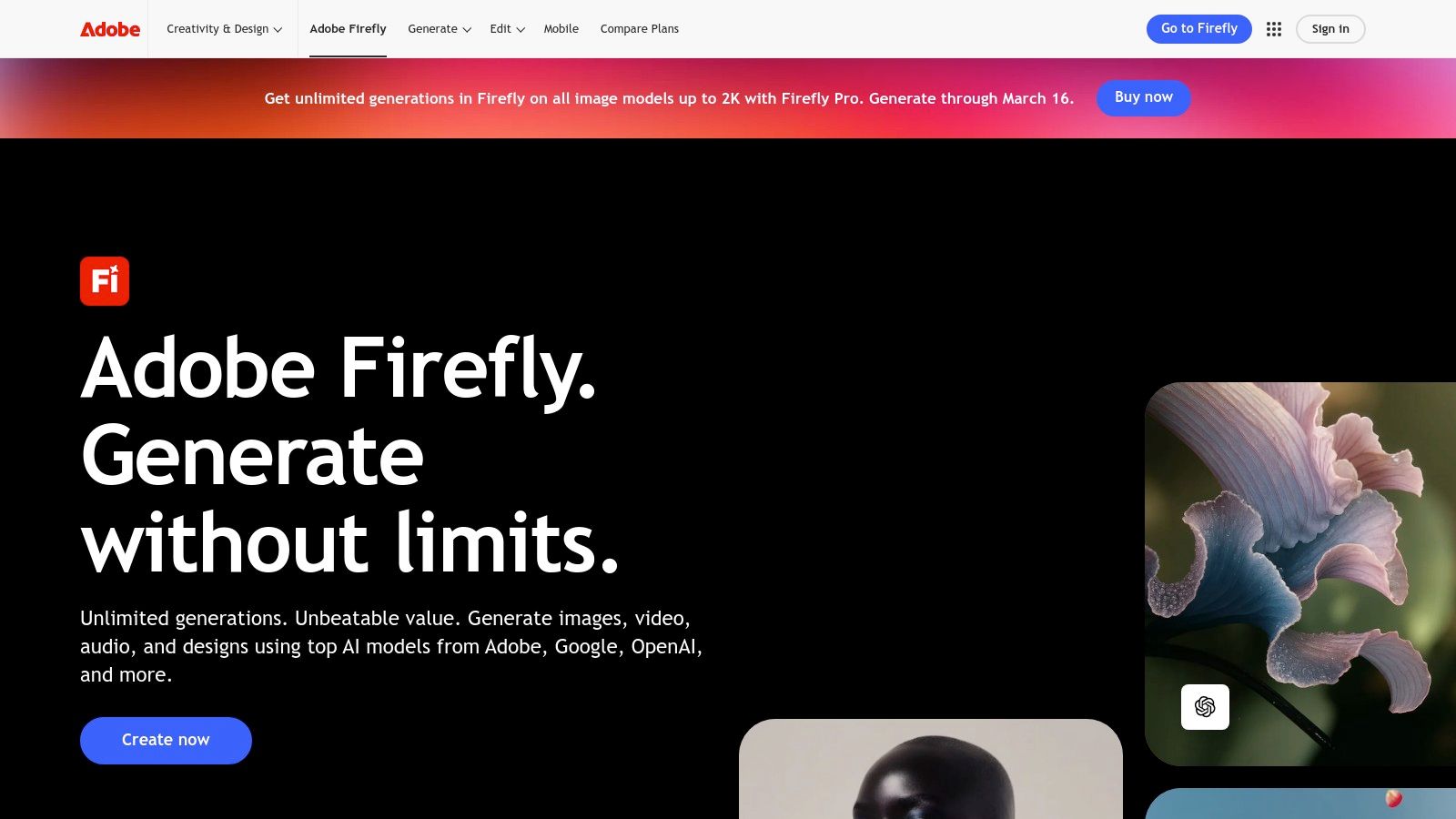
Adobe Firefly brings a suite of generative AI models directly into the world's leading creative ecosystem. For content creators already using Adobe products, this integration is a game-changer. You can generate commercially safe images, vector graphics, and text effects directly within apps like Photoshop and Illustrator, or use the standalone web app for quick creation. The system is designed to complement, not replace, the professional creative workflow.
This platform solidifies its place among the best AI tools for content creators by seamlessly bridging AI generation with professional editing. For example, you can use Generative Fill in Photoshop to expand an image's background or remove unwanted objects with a simple text prompt. The addition of the Adobe Exchange marketplace extends functionality even further, offering specialized plugins and integrations that streamline complex tasks across video, audio, and design projects.
Key Features & Use Cases
- Integrated Generative Tools: Use features like Generative Fill and Generative Expand in Photoshop or Text to Vector Graphic in Illustrator.
- Commercially Safe Models: Firefly is trained on Adobe Stock images and public domain content, making it safe for commercial use.
- Multi-Modal Generation: Create images, text effects, and color palettes, with video and audio features in development.
- Adobe Exchange Marketplace: Discover and install third-party plugins to add new AI capabilities to Premiere Pro, After Effects, and other Creative Cloud apps. For instance, a plugin could help automate subtitle creation for your videos.
Pros & Cons
| Pros | Cons |
|---|---|
| Deep integration with Adobe Creative Cloud: Unmatched workflow efficiency for existing Adobe users. | Generative credits can be complex: The credit-based system and various tiers can be confusing to manage. |
| Enterprise-friendly and commercially safe: Clear guidance on commercial use and IP indemnity. | Advanced features consume credits quickly: High-resolution or video generation can deplete your monthly credit allowance fast. |
| High-quality, professional-grade output: The models are tuned for professional design standards. | Still developing in some areas: Advanced video and 3D features are newer and less mature than image tools. |
Website: https://www.adobe.com/firefly
11. Apple App Store (iOS/iPadOS/macOS) – AI Content Apps
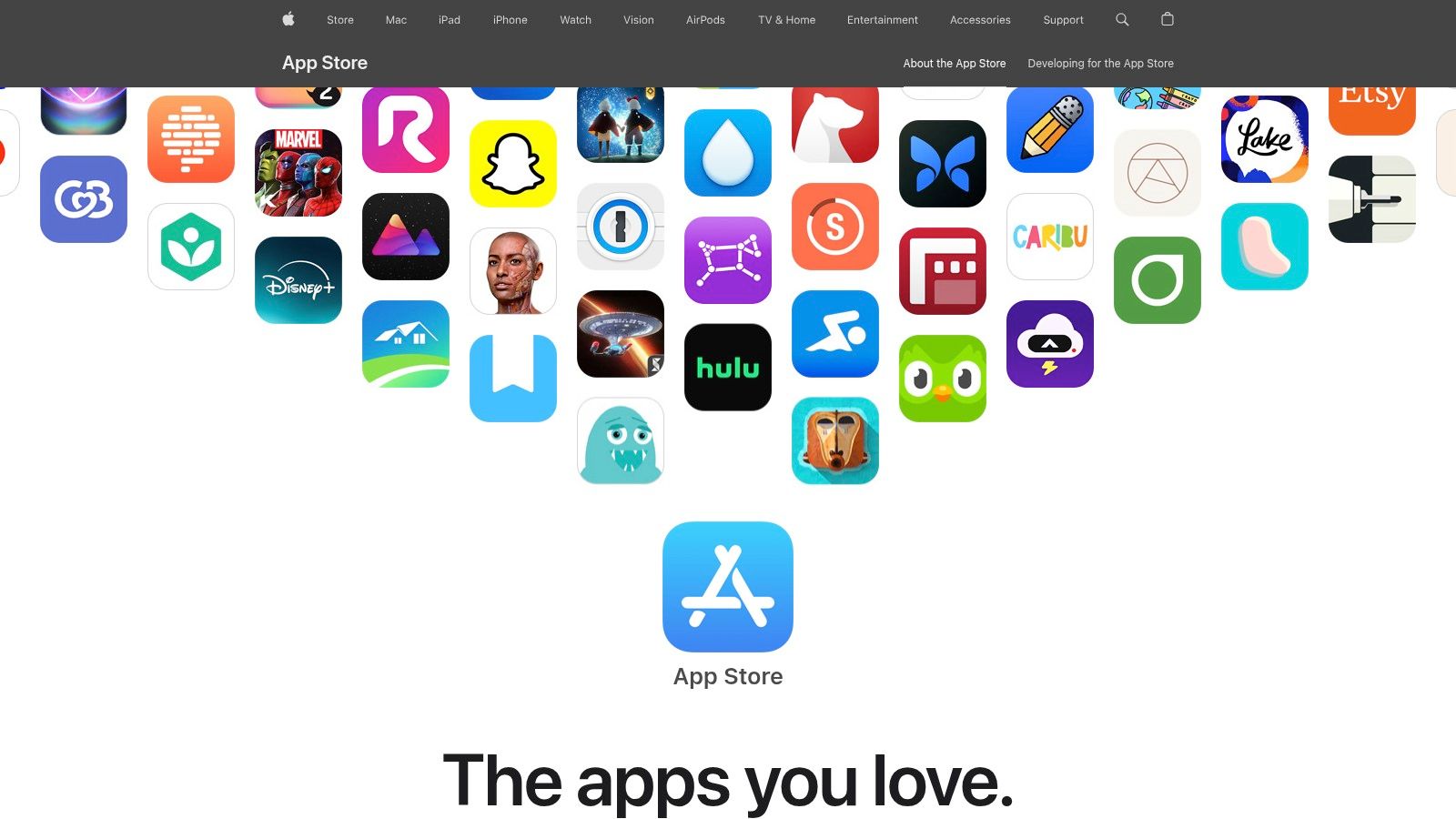
While not a single tool, the Apple App Store is an essential ecosystem for content creators who work on iPhones, iPads, and Macs. It serves as a centralized gateway to a massive and ever-growing library of AI-powered applications for every conceivable creative task, from advanced video editors and photo enhancers to AI writing assistants and social media schedulers. Instead of being tied to a web browser, creators can leverage powerful, native apps optimized for their devices.
The App Store stands out as one of the best sources for AI tools for content creators due to its rigorous app review process and strong editorial curation. Apple frequently features collections like "Apps of the Day" or "Creator Essentials," which often highlight innovative AI-driven tools, helping users discover high-quality applications. This curated approach helps cut through the noise, making it easier to find reliable and effective tools for mobile-first content creation workflows.
Key Features & Use Cases
- Central Distribution: A single, trusted source for mobile and Mac creator apps covering video, design, audio, and writing.
- Editorial Curation: Discover high-quality AI tools through editorial spotlights, themed collections, and App Store Awards.
- AI-Assisted Discovery: The store uses AI-powered tagging and recommendations to help you find relevant new apps based on your interests.
- Mobile-First Workflows: Edit a 4K video with an AI color-grading app on your iPad, then use an AI like AnimePhoto.ai to generate a matching profile picture directly from your phone.
Pros & Cons
| Pros | Cons |
|---|---|
| Vast Selection of Apps: An unparalleled library of specialized AI tools for creators. | Impersonator Apps: Scam or low-quality apps can appear; always verify the developer and check reviews. |
| Strong Curation: Editorial features make it easier to find quality applications. | Variable Pricing: Most AI apps rely on in-app subscriptions with widely different costs and terms. |
| Optimized for Apple Devices: Native apps often provide a smoother user experience than web-based tools. | Platform Lock-in: Apps are exclusive to the Apple ecosystem (iOS, iPadOS, macOS). |
Website: https://www.apple.com/app-store/
12. Google Play Store – AI Content Apps (Android/ChromeOS)
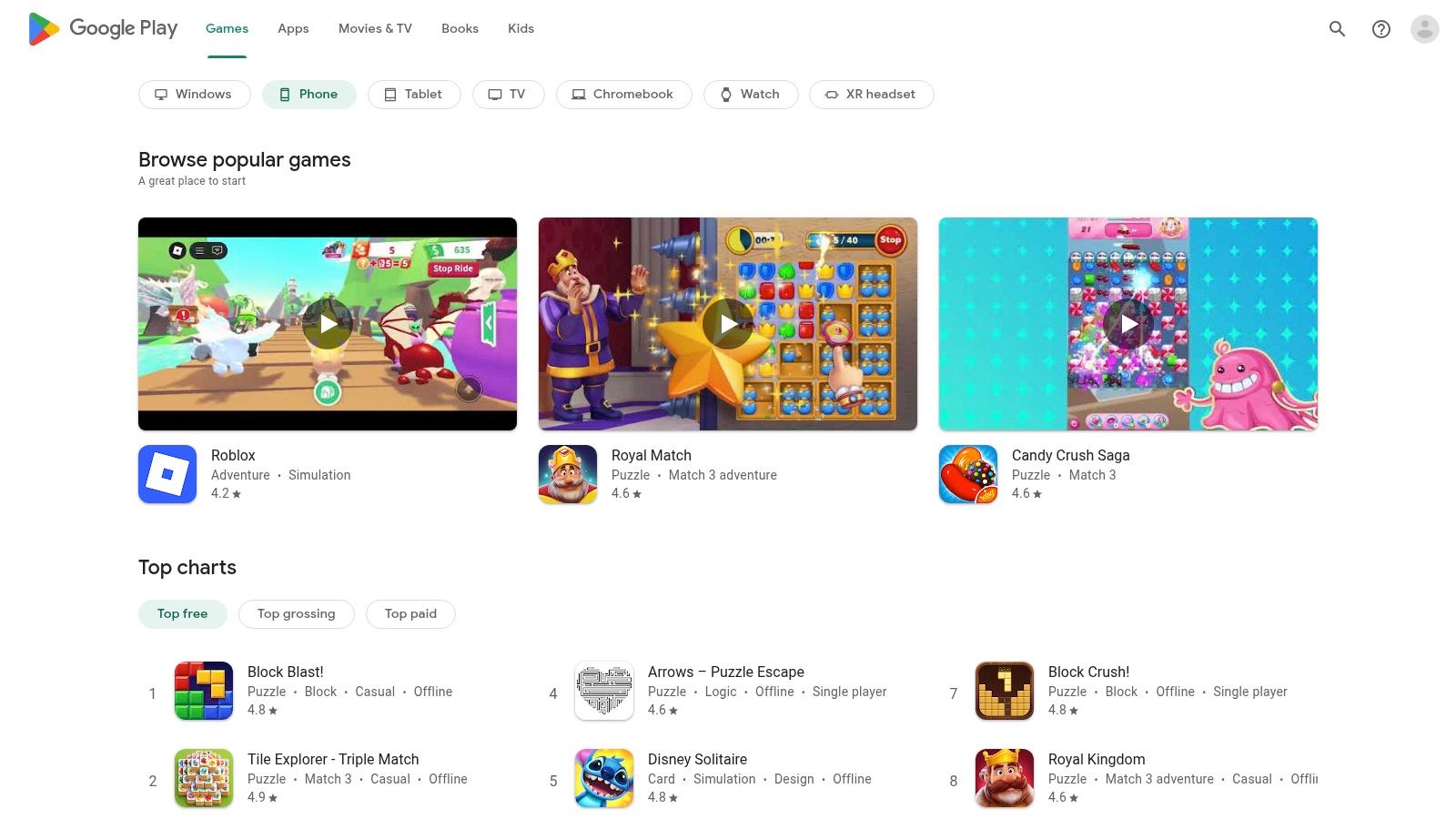
For content creators working on Android or ChromeOS devices, the Google Play Store is the primary gateway to a massive ecosystem of mobile-first AI tools. While not a single tool itself, it functions as a critical discovery platform for everything from AI-powered video editors like CapCut to specialized text-to-image generators and mobile writing assistants. Its inclusion is vital for creators who produce content on the go.
The store has evolved to become one of the best AI tools for content creators by integrating AI-driven features that simplify the search process. AI-generated review summaries and FAQs on app listings allow you to quickly grasp the core strengths and weaknesses of a tool without reading hundreds of user comments, saving valuable time during your evaluation.
Key Features & Use Cases
- Vast Creator App Catalog: Access millions of apps, including mobile video editors, social media schedulers, AI notetakers, and image generators.
- AI-Enhanced Discovery: Use AI-generated summaries to understand user sentiment and common issues before downloading an app.
- Guided Search: Google is experimenting with goal-based search, helping you find apps by describing what you want to accomplish, like "create a short promotional video."
- Early Access to Innovation: Discover and test beta versions of emerging AI content creation apps before their official launch. For example, you can find a new AI-powered avatar creator to refresh your social media profiles.
Pros & Cons
| Pros | Cons |
|---|---|
| Broad App Availability: An unparalleled selection of free and paid mobile creator tools. | Quality Varies: You must vet developers and app permissions carefully to avoid privacy risks. |
| Helpful AI Summaries: Quickly scan app pros and cons to make informed decisions faster. | Inconsistent Pricing: In-app subscription models and costs differ widely between applications. |
| Access to Beta Tools: Get a first look at innovative, up-and-coming AI applications. | Discovery Can Be Overwhelming: The sheer volume of apps can make finding the right one challenging. |
Website: https://play.google.com/store
Top 12 AI Content Tool Platforms Comparison
| Product | Core features | UX / Quality (★) | Value / Price (💰) | Target audience (👥) | Unique selling points (✨) |
|---|---|---|---|---|---|
| AnimePhoto.ai 🏆 | AI photo → anime; 12+ hand‑curated styles; fast & private | ★★★★☆ — polished, social-ready | 💰 Basic 20/$10 ($0.50); Std 60/$25 (~$0.42); Premium 100/$30 ($0.30); one‑time credits | 👥 Avatars, streamers, gift buyers, casual creators | ✨ Fast processing; kawaii aesthetic; growing style gallery; no subscription |
| OpenAI GPTs Store | Marketplace of custom GPTs; categories & builder profiles | ★★★☆☆ — quality varies by builder | 💰 Free to browse; requires ChatGPT paid plan for full store access | 👥 Creators needing task‑specific assistants | ✨ Curated/trending GPTs inside ChatGPT; quick prototyping |
| Product Hunt (AI Topic) | Daily launches; community votes, comments & Q&A | ★★★☆☆ — early signals, hype-driven | 💰 Free discovery; links to vendor pricing | 👥 Early adopters, makers, trend-spotters | ✨ Spot new tools pre‑trend; strong community feedback |
| G2 (AI categories) | Rankings, verified reviews, comparison grids | ★★★★☆ — deep review volume | 💰 Free to browse; sponsored placements exist | 👥 Buyers doing head‑to‑head software comparisons | ✨ Detailed comparisons, verified user metrics |
| Capterra (AI Writing) | Buyer guides, Shortlists, feature filters | ★★★★☆ — trusted review verification | 💰 Free to browse; sponsored listings possible | 👥 Business buyers & evaluators | ✨ Strong filters and Shortlist guides |
| Futurepedia | Curated AI tool directory + editorial content | ★★★☆☆ — broad creator‑centric listings | 💰 Free discovery; some affiliate links | 👥 Creators searching niche AI tools | ✨ Trending lists, how‑to resources |
| There's An AI For That (TAAFT) | Search by task/keyword; community submissions & newsletter | ★★★☆☆ — community-sourced quality varies | 💰 Free to use; community-driven listings | 👥 Creators needing task-specific tools quickly | ✨ Fast task-based search; active newsletter |
| AppSumo (AI Deals) | Time‑limited bundles, lifetime deals (LTDs) | ★★★☆☆ — deal-driven; variable longevity | 💰 Big discounts / LTDs (time-limited) | 👥 Budget-conscious creators and SMBs | ✨ Significant savings; curated bundles |
| Canva Magic Studio + Marketplace | Built-in AI for text/image/video; app marketplace | ★★★★☆ — unified, template-rich UX | 💰 Freemium; AI features sometimes gated by plan/credits | 👥 Social creators, marketers, small teams | ✨ One workspace, brand kits, publishing integrations |
| Adobe Firefly + Exchange | Image/video/audio/vector generation; plugins for CC | ★★★★☆ — pro-grade, reliable output | 💰 Credit-based tiers (Free→Pro→Premium) | 👥 Creative pros, agencies, enterprises | ✨ Deep Creative Cloud integration; commercial-use guidance |
| Apple App Store (AI Apps) | Curated mobile/mac apps; editorial spotlights & awards | ★★★★☆ — strong curation & editorial picks | 💰 Free to browse; many in‑app subscriptions | 👥 Mobile creators and app users | ✨ Editorial collections, App Store awards |
| Google Play Store (AI Apps) | Android/ChromeOS app catalog; AI review summaries | ★★★☆☆ — broad availability; quality varies | 💰 Free to browse; in‑app purchases/subscriptions | 👥 Android creators, beta testers | ✨ AI-generated review summaries; early‑access apps |
Integrating AI into Your Creative Workflow: Final Thoughts
The landscape of content creation is transforming at an unprecedented pace, and as we've explored, artificial intelligence is the driving force behind this revolution. The journey through discovery platforms like Futurepedia and Product Hunt, comprehensive suites such as Canva Magic Studio and Adobe Firefly, and specialized generators like AnimePhoto.ai reveals a clear truth: leveraging AI is no longer a futuristic concept but a present-day necessity for staying competitive and creative. Finding the best AI tools for content creators isn't about finding a single magic bullet; it's about building a personalized, intelligent toolkit that amplifies your unique voice and vision.
The tools and marketplaces detailed in this guide serve as your launchpad. They represent a fundamental shift from manual, time-consuming tasks to automated, creativity-focused workflows. Think of them not as replacements for your skills, but as powerful assistants that handle the heavy lifting. This allows you to dedicate more energy to strategy, storytelling, and community engagement, the very elements that define a successful creator.
Key Takeaways: From Discovery to Daily Use
Recapping our exploration, several core themes emerge for creators aiming to integrate AI effectively.
- Discovery is an ongoing process. Platforms like There’s An AI For That (TAAFT) and the AI sections on AppSumo are not one-time stops. New tools emerge daily, so regularly dedicating time to exploration is crucial for maintaining a cutting-edge workflow.
- Ecosystems offer streamlined integration. Committing to a platform like Adobe Creative Cloud with Firefly or Canva with its Magic Studio provides a cohesive experience. Tools within these ecosystems are designed to work together, reducing friction and saving you valuable time.
- Specialization solves specific problems. While broad platforms are powerful, specialized tools like AnimePhoto.ai for avatar creation offer a depth of quality and style that all-in-one solutions often can't match. Identify your biggest pain points or branding needs and seek out a dedicated tool to solve them.
Actionable Next Steps: Building Your AI-Powered Workflow
Moving from reading to doing is the most critical step. Don't feel pressured to adopt every tool at once. Instead, take a strategic approach to build a sustainable and effective AI stack.
- Identify Your Biggest Bottleneck: Where do you spend the most time for the least creative return? Is it writing initial drafts, creating social media graphics, editing video clips, or generating on-brand profile pictures? Pinpoint this area first.
- Select One Tool to Start: Choose a single tool from our list that directly addresses that bottleneck. If you struggle with visual branding, try AnimePhoto.ai. If writing captions is your pain point, explore an AI writer from G2 or Capterra.
- Run a Small-Scale Test: Integrate the chosen tool into a single project. Create a week's worth of social media visuals or use an AI writer for your next blog post. Document the time saved and evaluate the quality of the output.
- Iterate and Expand: Once you've found a tool that works, make it a permanent part of your process. Then, return to your workflow, identify the next biggest bottleneck, and repeat the process. This gradual integration prevents overwhelm and ensures each tool you add provides tangible value.
Ultimately, the true power of these AI tools lies in their ability to liberate you from creative constraints. They can shatter writer's block, visualize ideas you couldn't draw yourself, and automate the mundane tasks that drain your creative energy. By embracing this technology thoughtfully, you are not just optimizing your workflow; you are unlocking new realms of possibility and setting a new standard for what you can create. The future of content creation is a partnership between human ingenuity and artificial intelligence, and it’s time to choose your co-pilot.
Ready to instantly elevate your online identity and brand visuals? Start with a standout avatar from AnimePhoto.ai. It's one of the best AI tools for content creators looking to establish a memorable and unique presence across all their platforms. Create your perfect anime-style portrait in minutes at AnimePhoto.ai.

See yourself in anime style in under a minute
Pick a style, upload a photo, and get a high-quality anime portrait ready for profiles, prints and gifts.
Create your anime photo

